
Melbet Deposit and Withdrawal Methods in Bangladesh
Melbet supports 15 payment methods for Bangladesh users, including bKash, Nagad, Rocket, Visa, UPI, Fast Nagad, Neteller, Cellfin, Trust As, MoneyGo, Binance Pay, WebMoney, iPay, ByBit Pay, and Bangladesh bank transfer. The minimum deposit amount is 200 BDT and the maximum deposit amount is 300,000 BDT; the minimum withdrawal amount is 400 BDT and the maximum withdrawal amount is 200,000 BDT. New players receive a 100% welcome bonus on their first deposit, worth up to 12,000 BDT. Fund your account and claim the bonus in minutes.
How to Deposit on Melbet: Step-by-Step for Bangladesh Users
To fund your Melbet account, you need a verified account, a supported payment method, and a minimum of 200 BDT ready to transfer. All deposit steps are completed directly on this site.
Step 1: Log In to Your Account
Click “Log In” at the top of this page and enter your registered email and password. If you do not have an account yet, click “Register” and complete the sign-up form in under two minutes.
Step 2: Go to the Cashier Section
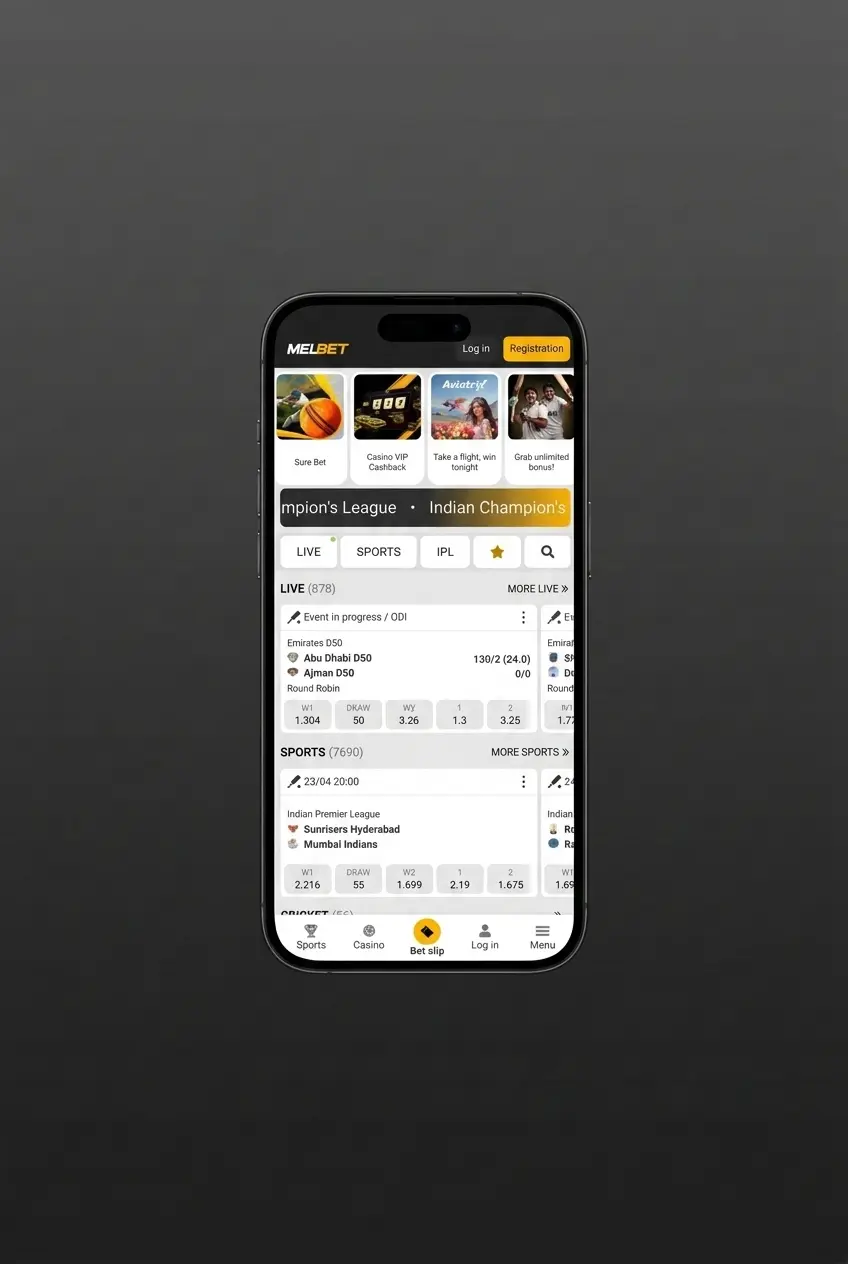
Once logged in, click your account balance or the “Deposit” button in the top navigation bar. The cashier panel will open, displaying all available payment methods for Bangladesh.
Step 3: Select Your Payment Method
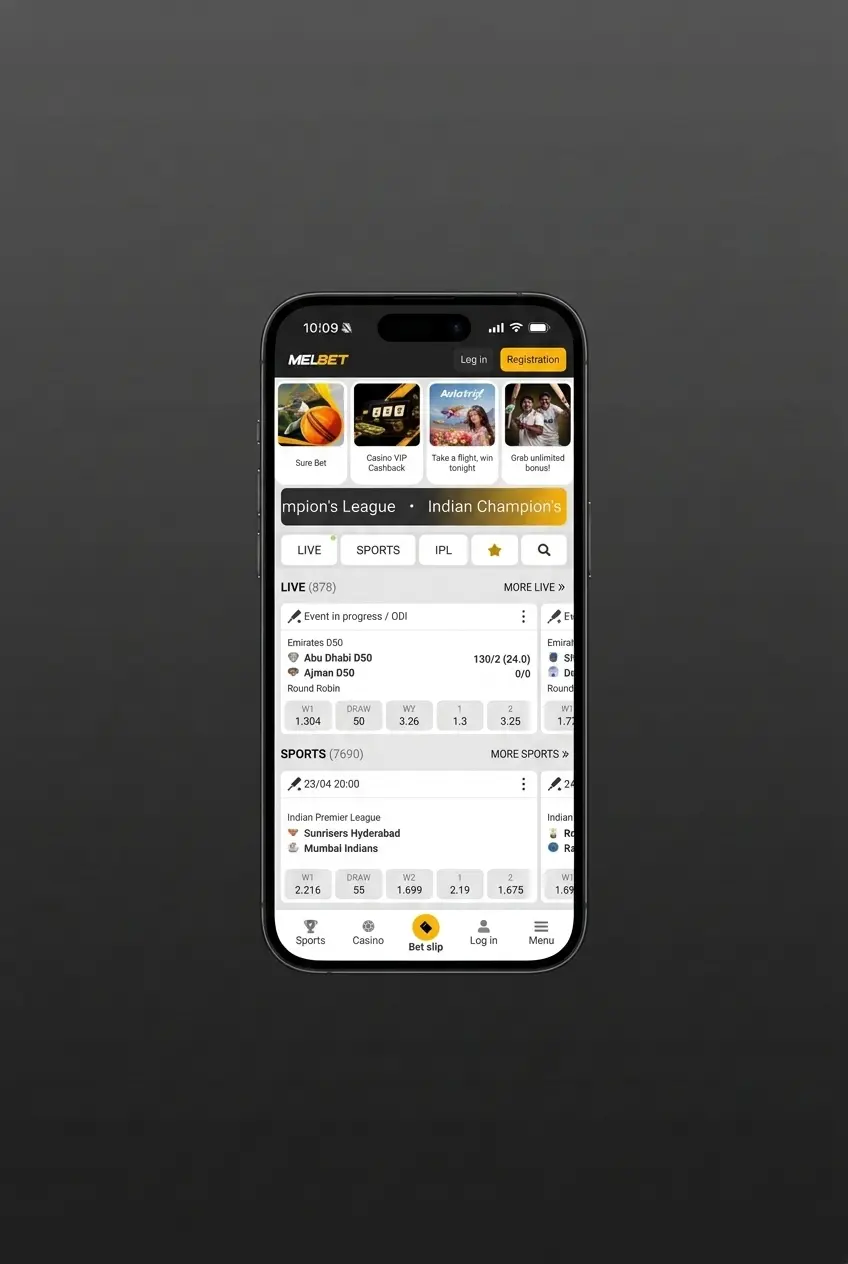
Choose your preferred option from the list, such as bKash, Nagad, Rocket, or any other supported method. Each method displays its minimum deposit, maximum deposit, and processing time before you confirm.
Step 4: Enter the Deposit Amount
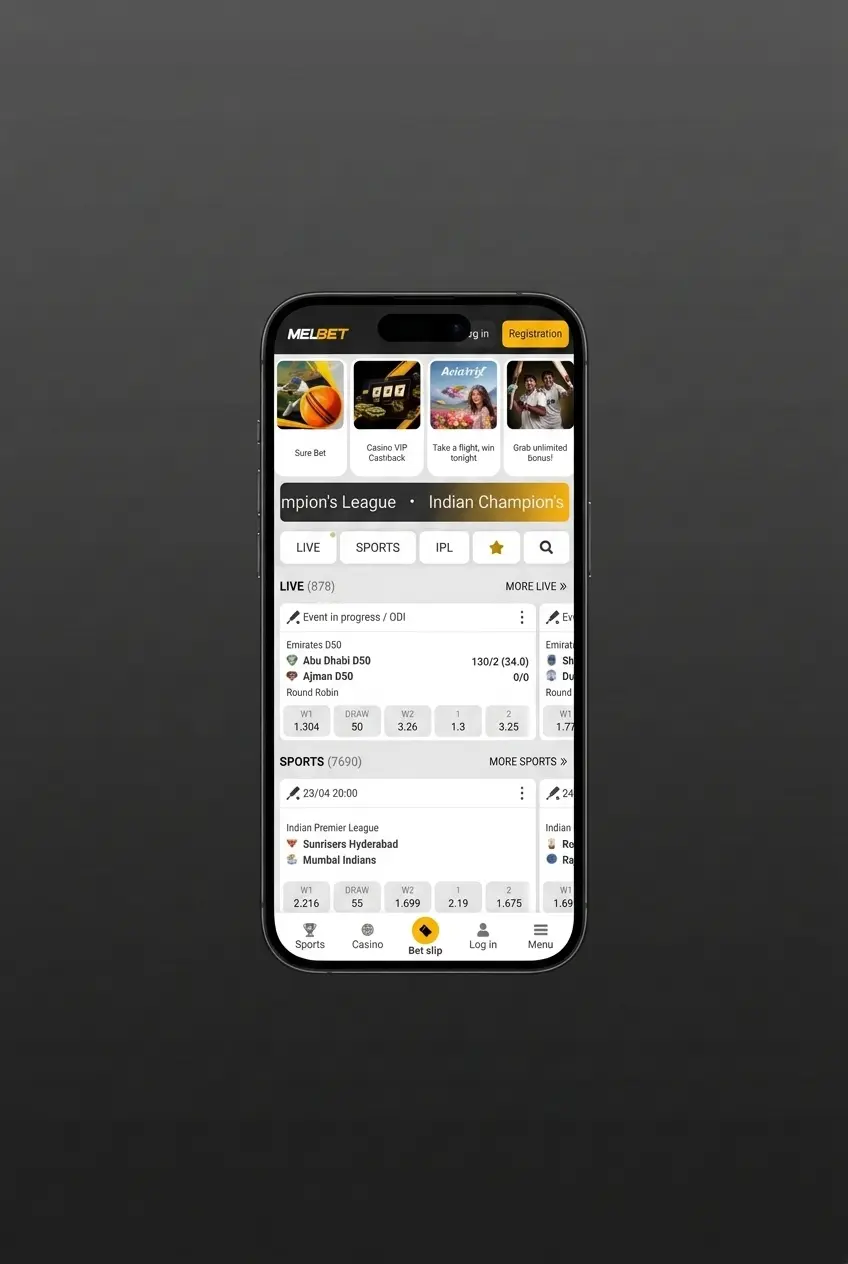
Type the amount you wish to deposit in BDT, keeping within the displayed limits for your chosen method. Double-check the amount before proceeding to avoid failed transactions.
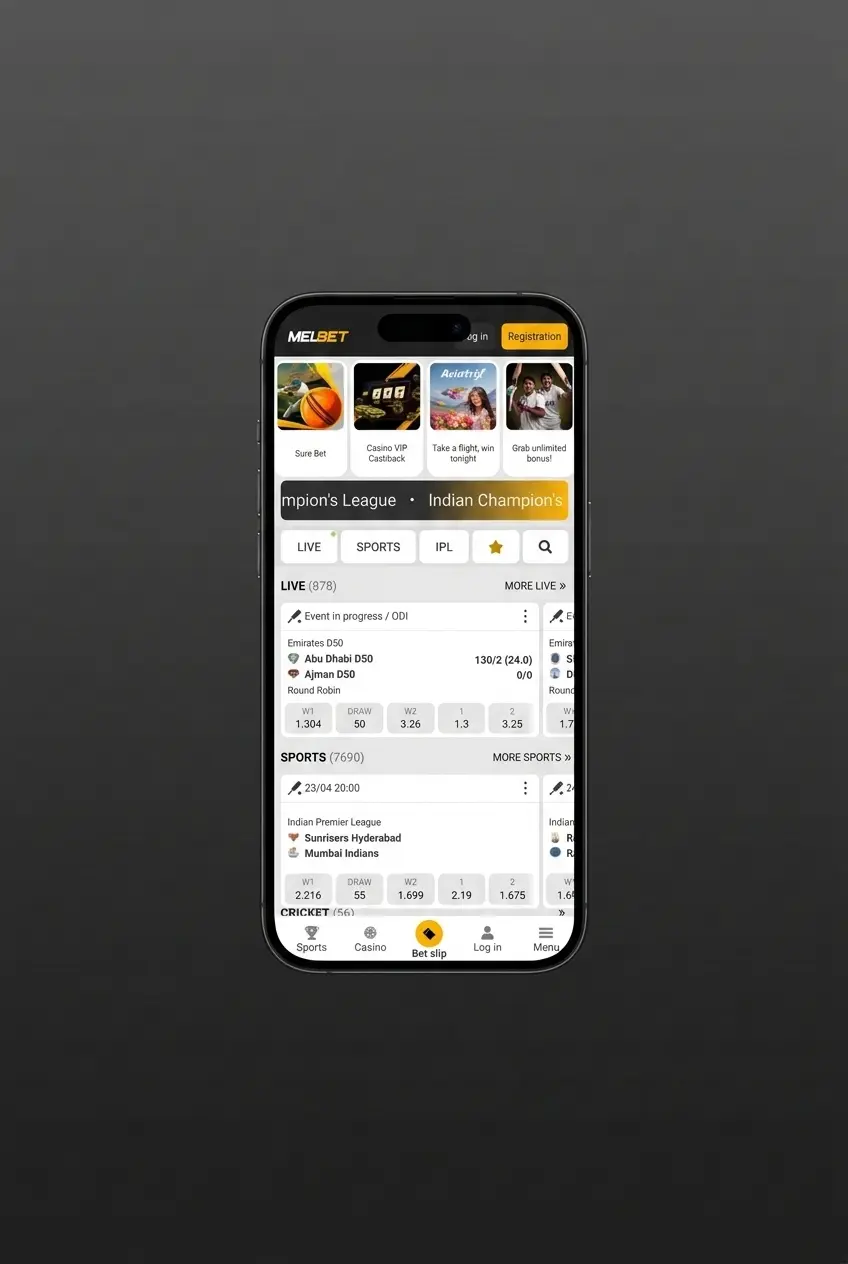
Step 5: Confirm and Complete the Transaction
Follow the on-screen instructions for your selected payment method, such as entering your bKash PIN or completing the bank redirect. Funds are credited to your Melbet balance instantly or within the stated processing time for your method.
Melbet Deposit Methods, Limits, and Processing Times
Melbet offers 15 deposit methods for Bangladesh users, with no commission charged on any deposit transaction. The minimum deposit is 200 BDT and the maximum deposit is 300,000 BDT; most methods credit funds instantly or within a few minutes.
| Payment Method | Min Deposit (BDT) | Max Deposit (BDT) | Processing Time | Fee |
|---|---|---|---|---|
| bKash | 200 | 30,000 | Instant | None |
| Nagad | 200 | 30,000 | Instant | None |
| Rocket | 200 | 30,000 | Instant | None |
| Fast Nagad | 200 | 30,000 | Instant | None |
| Cellfin | 200 | 25,000 | Instant | None |
| Trust As | 200 | 50,000 | Up to 15 min | None |
| MoneyGo | 200 | 50,000 | Up to 15 min | None |
| iPay | 200 | 25,000 | Instant | None |
| Visa/Mastercard | 500 | 300,000 | Up to 15 min | None |
| Binance Pay / ByBit Pay / Crypto | 500 | 300,000 | Up to 60 min | None |
| Neteller | 500 | 300,000 | Instant | None |
| WebMoney | 500 | 300,000 | Instant | None |
| UPI | 200 | 50,000 | Up to 15 min | None |
| Bangladesh Bank Transfer | 1,000 | 300,000 | 1–3 business days | None |
First Deposit Bonus for New Melbet Players
New players in Bangladesh receive a 100% match bonus on their first deposit, up to a maximum of 12,000 BDT. This welcome bonus applies to sports betting and requires a minimum deposit of 200 BDT to activate.
Bonus Details
- Bonus percentage: 100% of the first deposit amount;
- Maximum bonus amount: 12,000 BDT;
- Minimum qualifying deposit: 200 BDT;
- Applicable to: Sports betting markets;
- Wagering requirement: The bonus amount must be rolled over 5 times on accumulator bets;
- Minimum odds per accumulator: Each accumulator must contain at least 3 events, each with odds of 1.40 or higher;
- Time limit: The wagering requirement must be completed within 30 days of the bonus being credited;
- How to claim: Select the “Sports Bonus” option during registration or at the deposit stage in the cashier section.
The bonus funds are credited to your account balance immediately after the qualifying deposit is confirmed. Unused bonus funds expire after 30 days.
How to Withdraw Money from Melbet
To request a Melbet Bangladesh withdrawal, your account must be verified and your balance must meet the minimum withdrawal amount of 400 BDT. All withdrawal steps are completed directly on this site.
Step 1: Log In to Your Account
Click “Log In” at the top of this page and enter your credentials to access your account. Ensure your account verification is complete before requesting a withdrawal, as unverified accounts cannot process payouts.
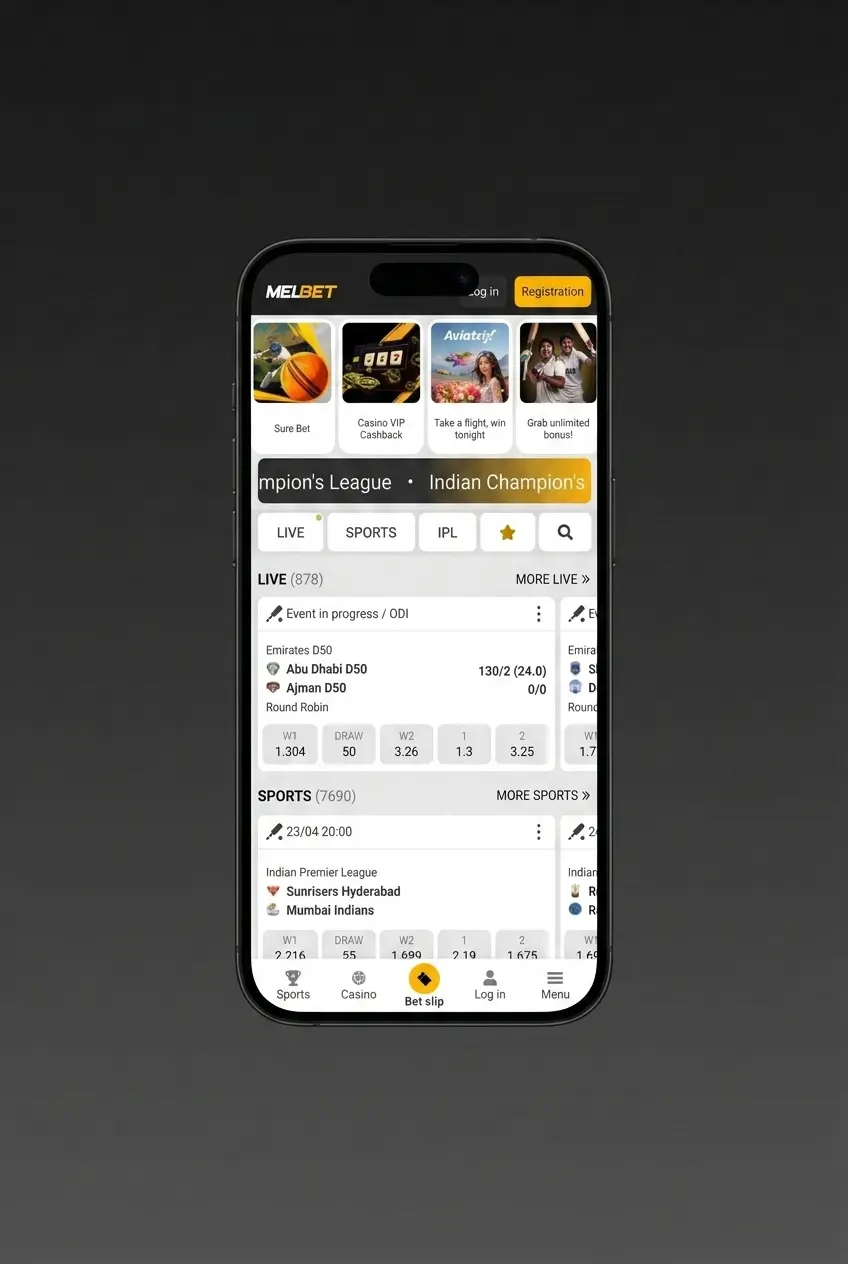
Step 2: Open the Cashier and Select Withdrawal
Navigate to the cashier section by clicking your balance or the account menu. Select the “Withdrawal” tab to view all available withdrawal methods for Bangladesh.
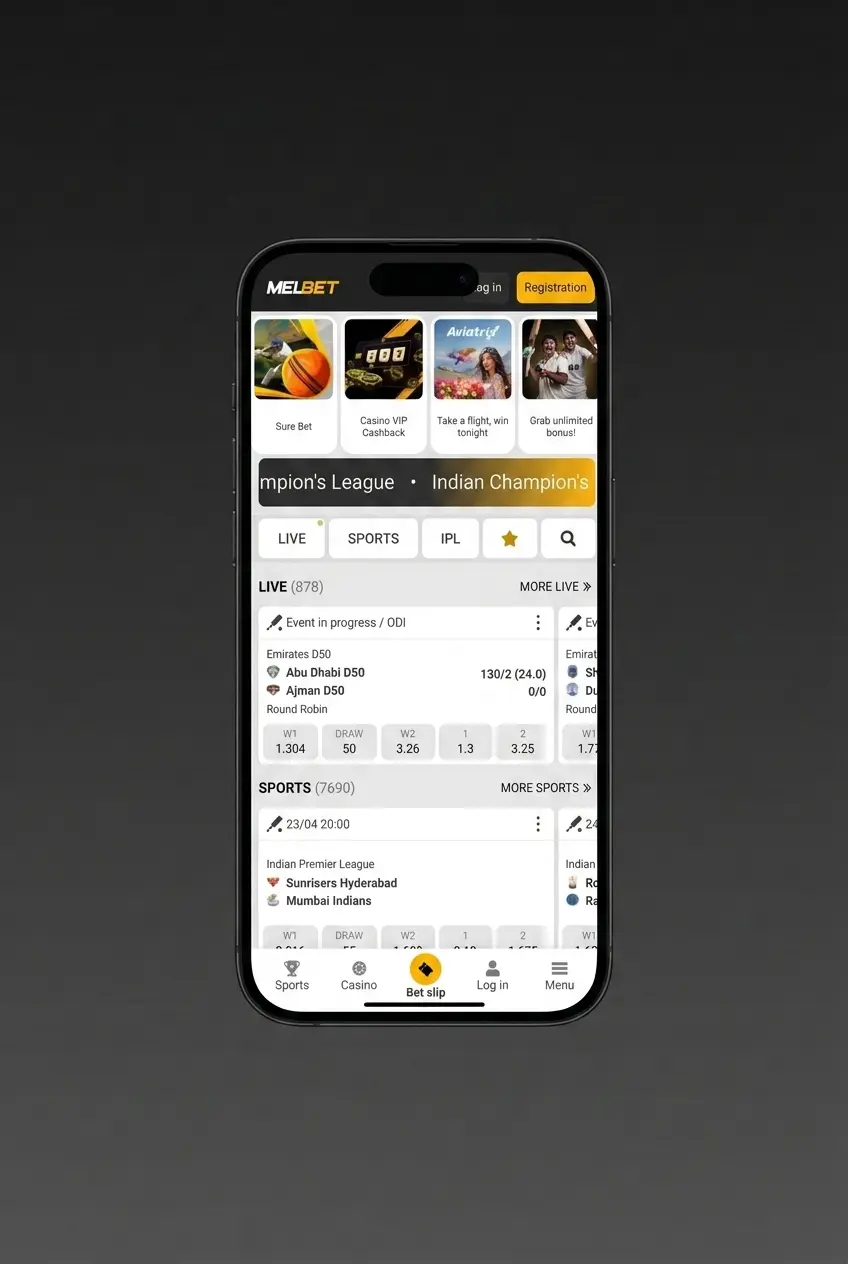
Step 3: Choose Your Withdrawal Method
Select the payment method you wish to withdraw to, such as bKash, Nagad, Rocket, or Visa. The available methods, limits, and processing times are displayed for each option before confirmation.
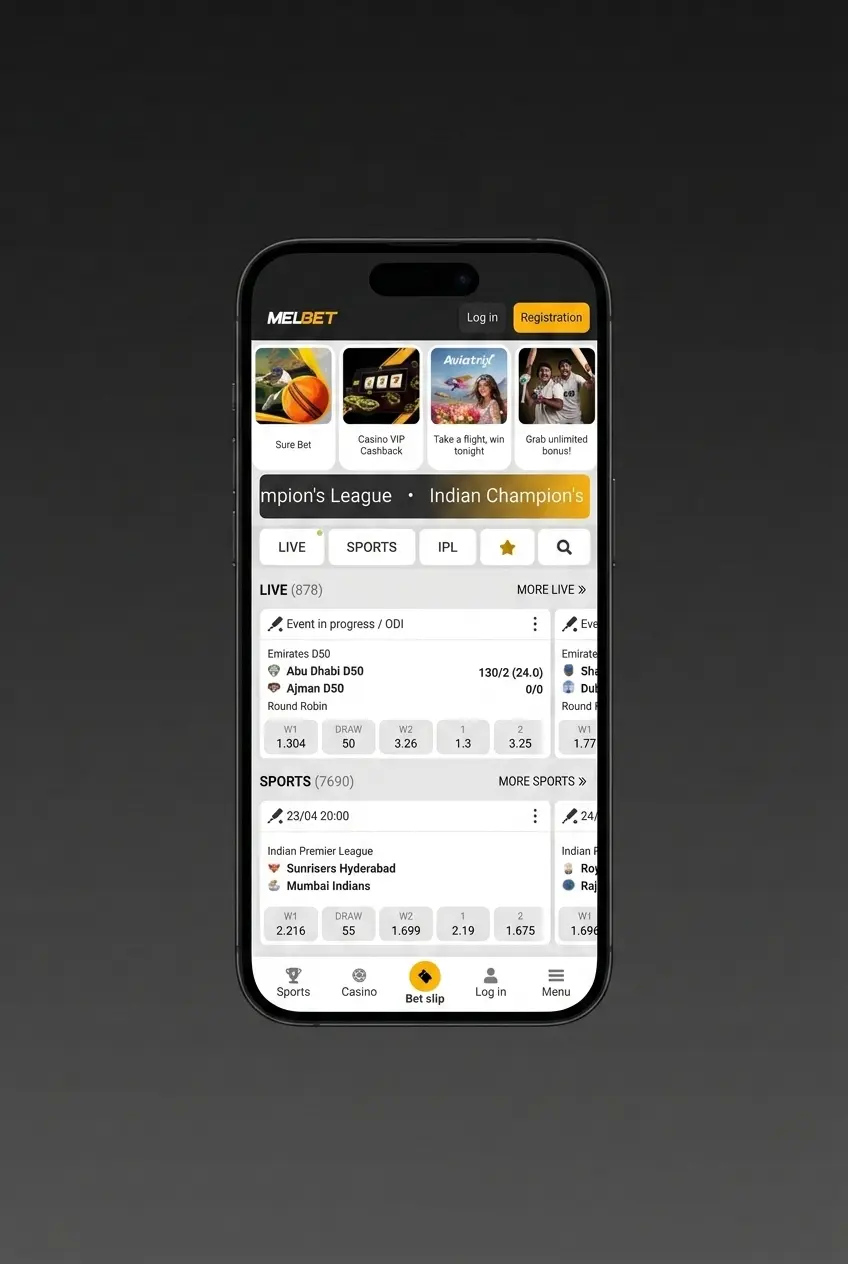
Step 4: Enter the Withdrawal Amount and Account Details
Type the amount you wish to withdraw in BDT, within the stated limits for your chosen method. Enter the required account details, such as your bKash or Nagad registered mobile number.
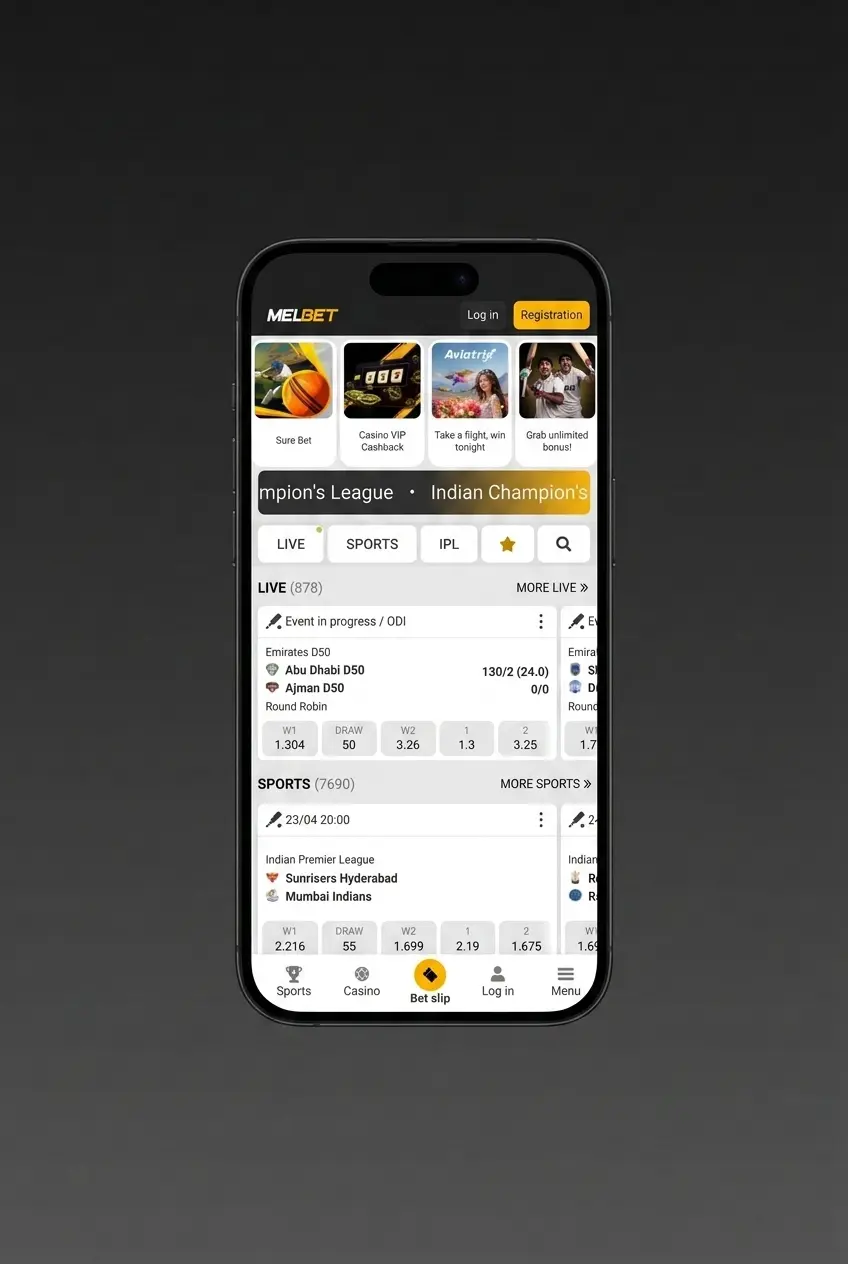
Step 5: Submit the Withdrawal Request
Review all details and confirm your withdrawal request. Most e-wallet withdrawals are processed within 15 minutes to 24 hours, while bank transfers may take up to 3 business days.
Melbet Withdrawal Methods, Limits, and Processing Times
Melbet processes withdrawals for Bangladesh users across multiple payment methods, with no commission deducted on any payout. The minimum withdrawal amount is 400 BDT and the maximum is 200,000 BDT per transaction.
| Payment Method | Min Withdrawal (BDT) | Max Withdrawal (BDT) | Processing Time | Fee |
|---|---|---|---|---|
| bKash | 400 | 30,000 | Up to 24 hours | None |
| Nagad | 400 | 30,000 | Up to 24 hours | None |
| Rocket | 400 | 30,000 | Up to 24 hours | None |
| Fast Nagad | 400 | 30,000 | Up to 24 hours | None |
| Cellfin | 400 | 25,000 | Up to 24 hours | None |
| Trust As | 400 | 50,000 | Up to 24 hours | None |
| MoneyGo | 400 | 50,000 | Up to 24 hours | None |
| iPay | 400 | 25,000 | Up to 24 hours | None |
| Visa/Mastercard | 1,000 | 200,000 | 3–5 business days | None |
| Binance Pay / ByBit Pay / Crypto | 1,000 | 200,000 | Up to 60 min | None |
| Neteller | 1,000 | 200,000 | Up to 24 hours | None |
| WebMoney | 1,000 | 200,000 | Up to 24 hours | None |
| UPI | 400 | 50,000 | Up to 24 hours | None |
| Bangladesh Bank Transfer | 2,000 | 200,000 | 1–3 business days | None |
Melbet Payment Rules and Conditions
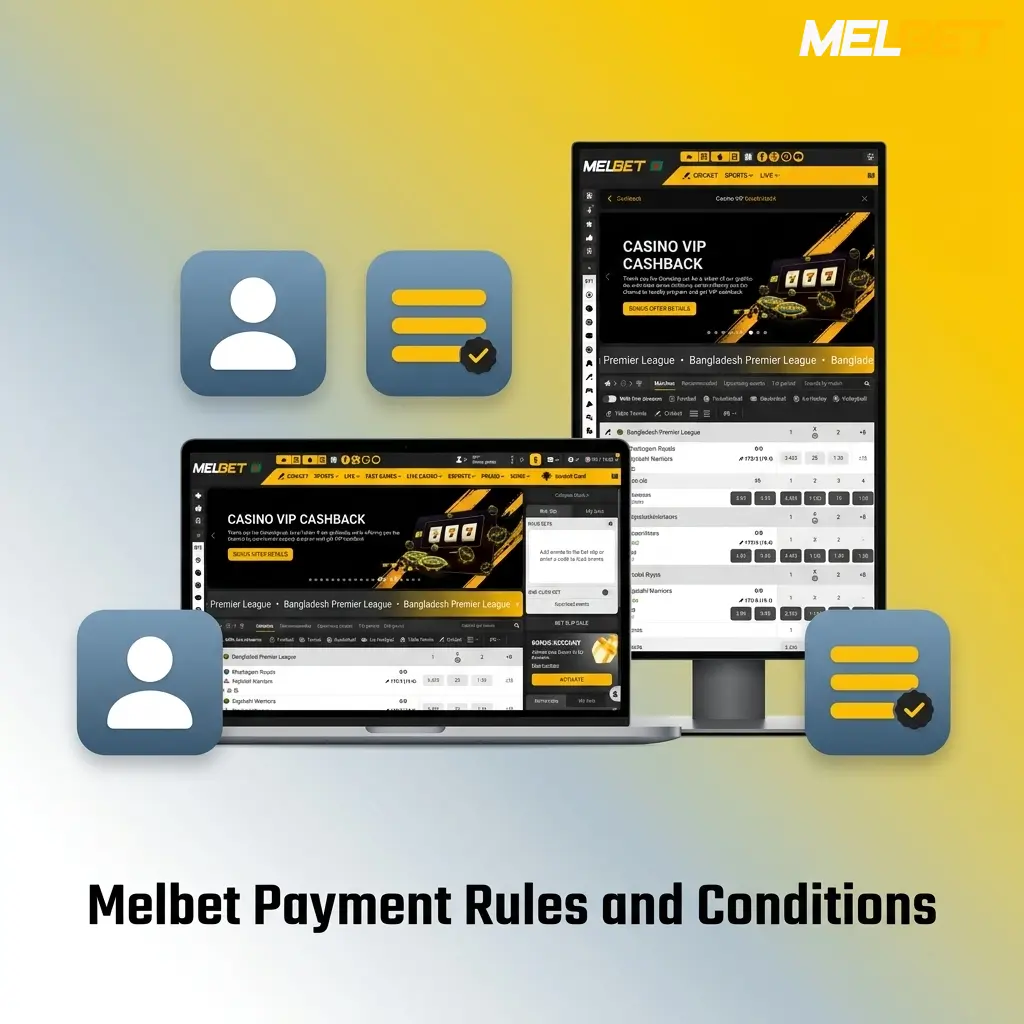
All deposits and withdrawals on Melbet are subject to platform rules designed to protect account security and ensure compliance with verification standards. Review the key conditions below before initiating any transaction.
- Account verification is mandatory: Withdrawals require a fully verified account; submit a valid government-issued ID and proof of payment method to complete the verification process before requesting a payout;
- Deposit and withdrawal method must match: Funds must be withdrawn to the same payment method used for the deposit, up to the amount deposited via that method; additional winnings may be withdrawn via any available method;
- Bonus wagering must be completed first: Any active bonus funds and their associated wagering requirements must be fulfilled before a withdrawal request can be approved;
- One account per player: Each user is permitted one registered account; duplicate accounts result in immediate suspension and forfeiture of balances;
- Currency consistency: All transactions on the Bangladesh platform are processed in BDT; amounts entered in other currencies are converted at the rate applied at the time of the transaction.
Popular Deposit Methods on Melbet in Bangladesh
Melbet supports the most widely used payment systems in Bangladesh, covering mobile financial services, international e-wallets, and cryptocurrency networks. Each method below is available directly in the cashier section of your account.
- bKash: Bangladesh’s most popular mobile financial service, accepted for instant deposits from 200 BDT to 30,000 BDT with no fee; ideal for users who prefer depositing via their registered bKash mobile number;
- Nagad: A government-backed mobile wallet with instant deposit processing; supports transactions from 200 BDT and is available to all users with an active Nagad account;
- Rocket: Dutch-Bangla Bank’s mobile banking service, supporting deposits from 200 BDT to 30,000 BDT instantly; well suited for users already operating a Rocket account;
- Fast Nagad: An accelerated Nagad transfer channel offering the same 200 BDT minimum with priority processing compared to standard transfer queues;
- Binance Pay: Allows deposits using USDT, BTC, ETH, and other supported cryptocurrencies via Binance account; credited within up to 60 minutes with no platform fee;
- ByBit Pay: Crypto deposit option via ByBit exchange, supporting major digital assets with a minimum equivalent of 500 BDT and up to 60-minute crediting time;
- Neteller: International e-wallet accepted for deposits from 500 BDT to 300,000 BDT with instant processing; suitable for players who manage funds across multiple platforms;
- Visa/Mastercard: Standard card payments accepted from 500 BDT; processing takes up to 15 minutes and no deposit fee is charged;
- Trust As: Local payment gateway supporting deposits from 200 BDT to 50,000 BDT with up to 15-minute processing;
- Bangladesh Bank Transfer: Direct bank deposits available for larger amounts from 1,000 BDT to 300,000 BDT; processing takes 1 to 3 business days.
Payment Issues on Melbet: Common Problems and Solutions
Most payment issues on Melbet have straightforward solutions. Below are the most frequent problems Bangladesh users encounter, along with the steps to resolve each one.
- Deposit not credited: If your payment was deducted but funds have not appeared in your balance after the stated processing time, take a screenshot of the transaction confirmation and contact the support team via live chat with the transaction reference number;
- Withdrawal request pending beyond stated time: Withdrawals can be delayed if the verification process is incomplete or if a document review is in progress; log in, check the verification status under account settings, and upload any missing documents to clear the hold;
- Payment method declined: Card or e-wallet payments may be declined if the account name does not match your Melbet registration details; ensure all account information is consistent across both platforms before retrying;
- Incorrect account details submitted: If you entered the wrong bKash, Nagad, or bank account number on a withdrawal request, contact support immediately before the transaction is processed, as corrections cannot be made after a payout is dispatched;
- Bonus restricting withdrawal: Active bonus funds lock the withdrawal function until wagering requirements are met; check your current bonus status in the account promotions section and review the remaining rollover amount before submitting a request.
Melbet Customer Support Contacts
The Melbet support team is available 24 hours a day, 7 days a week to assist with any payment issue, verification query, or account question.
- Live Chat: Available directly on this site; click the chat icon at the bottom right of any page for an instant response from a support agent;
- Email: Send payment-related queries to [email protected]; responses are typically delivered within 1 to 3 hours;
- Telegram: Reach the support team via the official Melbet Telegram channel for quick text-based assistance;
- Phone: International support line available; the current contact number is listed in the Help section of your account dashboard.

FAQ
Can I use multiple payment methods on the same account?
Yes, you can add and use multiple payment methods on a single Melbet account. However, withdrawals must be returned to the original deposit method up to the deposited amount before alternative methods can be used for the remainder.
Are there any transaction fees on Melbet?
Melbet does not charge any fees on deposits or withdrawals. Third-party fees imposed by your bank, mobile wallet provider, or cryptocurrency network are outside Melbet’s control and may apply separately.
How long does identity verification take?
Document verification is typically completed within 24 hours of submission. Submitting a clear, valid government-issued photo ID and a matching proof of payment method speeds up the process.
Is there a daily or weekly withdrawal limit?
Each withdrawal transaction is capped at 200,000 BDT. If you need to withdraw a larger amount, submit multiple requests across separate transactions within your account limits.
Can I cancel a withdrawal request after submitting it?
Withdrawal requests can be cancelled while they are still in “Pending” status. Log in, navigate to the transaction history section, and select “Cancel” next to the pending request. Once a withdrawal moves to “Processing” status, it cannot be reversed.
Updated: